
AI Productivity Agents: 7 Powerful Secrets to Automate Your Life
On This Page
In 2026, the phrase “there’s an app for that” has been replaced by “there’s an agent for that.” We are no longer in the era of simple “If This, Then That” (IFTTT) logic. We have entered the age of AI productivity agents—software that doesn’t just wait for a trigger, but actively thinks, plans, and executes tasks on your behalf.
If you are still manually dragging tasks into your calendar or copying data between apps, you are working harder than you need to. By utilizing the latest features in tools like Reclaim.ai and Zapier Copilot, you can reclaim up to 20% of your workweek. Here is your definitive guide to automating your life in 2026.
The Secret of Autonomous Time: Reclaim.ai
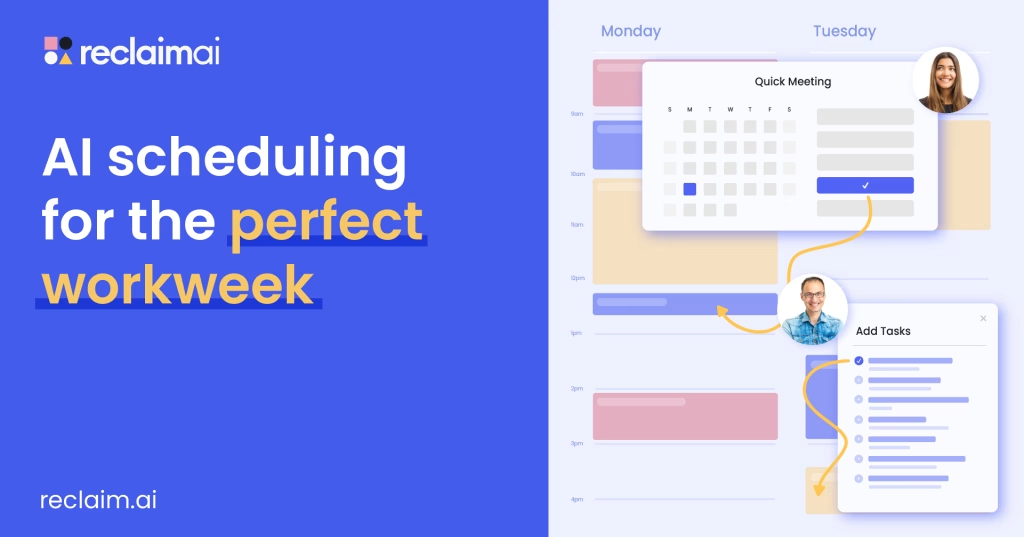
Image: Reclaim AI
For most people, the calendar is a source of stress. Reclaim.ai has evolved from a simple scheduler into one of the most powerful AI productivity agents for time management.
Instead of you deciding when to work on a task, you simply tell Reclaim what needs to be done and when the deadline is. The AI then looks at your meetings, your habits (like gym time or lunch), and your energy levels to find the perfect slot. If a last-minute meeting is booked over your “Deep Work” block, Reclaim doesn’t just notify you—it automatically finds a new home for that task before you even see the conflict. In 2026, Reclaim’s “Focus Defense” is the gold standard for protecting your most valuable resource: time.
The Secret of App Harmony: Zapier Copilot & Central
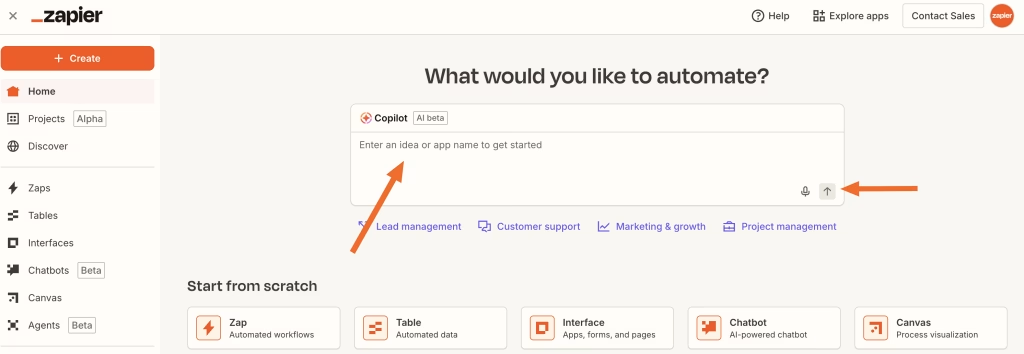
Image: Zapier Copilot
While Reclaim manages your time, Zapier Copilot (and the new Zapier Central platform) manages your actions. Zapier has moved beyond simple “Zaps.” It now allows you to build custom AI productivity agents that can talk to over 8,000 different apps.
Imagine this: You receive a complex email from a client. Your Zapier Agent can read the email, check your internal database for the requested info, draft a reply in your “brand voice,” and then send you a Slack message asking for a final “thumbs up” before it hits send. This “human-in-the-loop” automation means you are the supervisor, not the manual laborer.
7 Steps to Set Up Your AI Agent Workforce
- Map Your Friction: Identify the 3 tasks you hate doing every day (e.g., data entry, meeting prep, or scheduling).
- Connect Your Core: Connect your primary calendar and task manager to Reclaim.ai to establish your “ground truth.”
- Define Your Habits: Set “flexible habits” in Reclaim (e.g., “I want 30 minutes of reading every morning between 8 AM and 10 AM”).
- Launch a Copilot: Open Zapier Copilot and describe a workflow in plain English: “Whenever I get a new lead in Typeform, research their company and save the summary to my CRM.”
- Set Up “Memory”: Use Zapier Central to give your agents access to specific documents (like your bio or company handbook) so their output is always accurate.
- Trust, But Verify: Start with “Require Approval” steps for your agents. Once they consistently get it right, move to fully autonomous mode.
- Iterate and Expand: These AI productivity agents learn from your feedback. If an agent drafts an email that’s too formal, tell it, and it will adjust for the next 100 emails.
Why 2026 is the Year to Automate
The technological gap between those who use AI productivity agents and those who don’t is widening. These tools are no longer just for tech enthusiasts; they are essential for anyone trying to navigate the high-speed information economy of 2026.
By offloading the “digital grunt work” to your agentic workforce, you free up your brain for what humans do best: strategy, creativity, and connection. The future isn’t about working more; it’s about letting your agents work for you.