You press jump. On a console or gaming PC, the signal goes a few centimetres from controller to machine, the game reacts, and the next frame appears on your screen. In cloud gaming, the same press travels across the internet to a data centre, where a powerful PC runs the game. That PC turns each frame into compressed video, sends it back to you, and your device decodes it before you see your character leave the ground.
All of that usually takes less time than a blink. The question is whether you’ll feel the difference, and in 2026 there’s a second question that matters just as much: how many hours a month you’re allowed to play.
What happens when you press a button on a native install
With a game installed on your own console or PC, the chain is short:
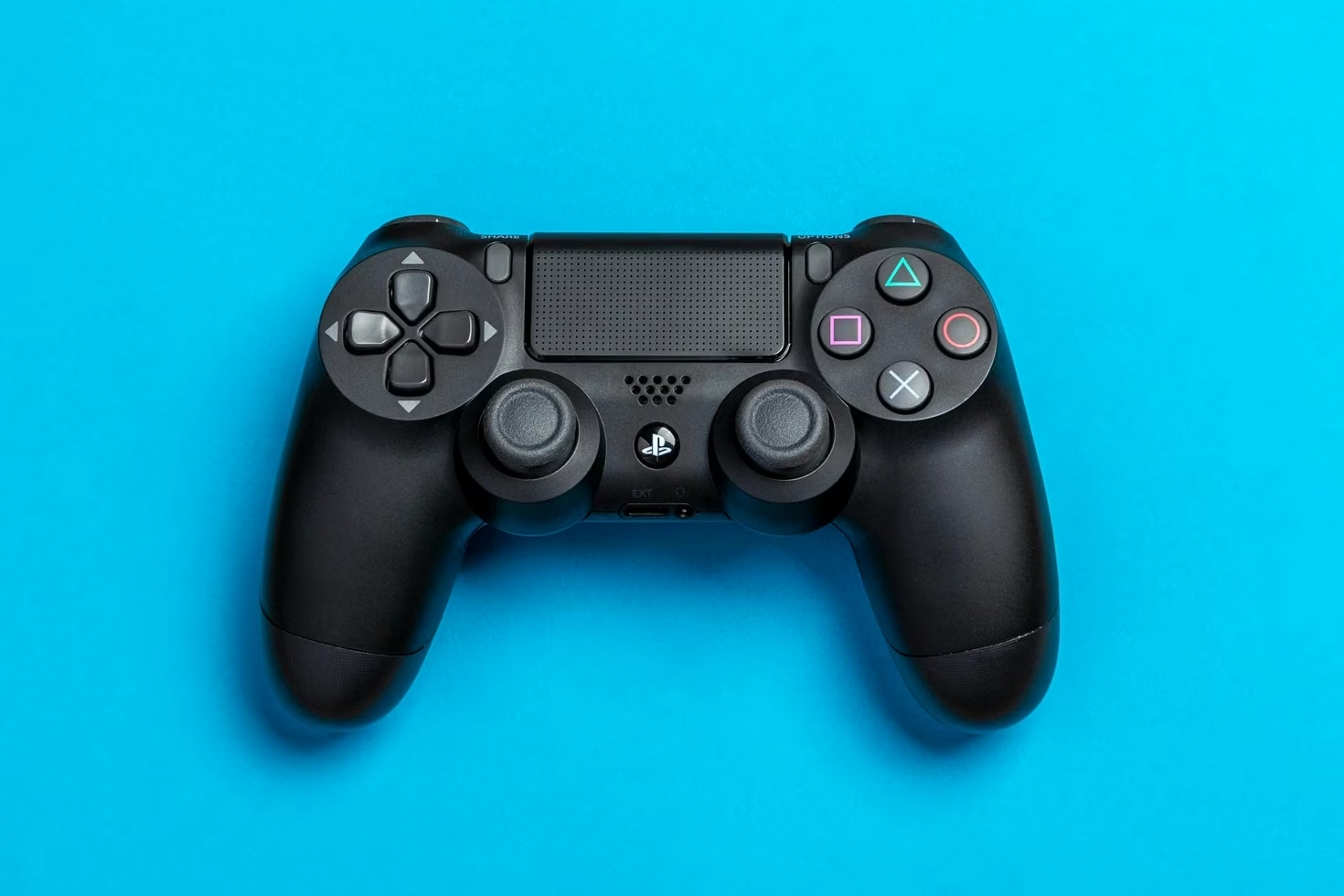
- The controller sends your button press to the machine, wirelessly or over a cable.
- The game reacts and draws the next frame on your graphics chip.
- The frame goes over HDMI or DisplayPort to the screen, which shows it.
Every step adds a few milliseconds. Added together, this “input lag” is usually a few hundredths of a second. In PC Gamer’s tests, a local gaming PC measured 46 ms in Metro Exodus and 51 ms in Destiny 2. Germany’s GameStar measured 39.5 ms in Destiny 2.
What cloud gaming adds
Cloud gaming keeps those steps and adds four more:
- Upload. Your button press travels from your home to the service’s data centre.
- Encode. The server PC turns each finished frame into compressed video, much like a video call.
- Download. That video travels back to you.
- Decode. Your phone, TV, laptop or browser unpacks the video before showing it.
The upload and download steps depend on distance and the quality of your connection; encoding and decoding depend on the hardware at each end. That’s why the same service can feel instant in one home and sluggish in another.
How much delay does cloud gaming add?
The best side-by-side tests are a few years old, but they show the scale:
| Test | Native install | GeForce NOW |
|---|---|---|
| Metro Exodus (PC Gamer) | 46 ms | 96 ms |
| Destiny 2 (PC Gamer) | 51 ms | 75 ms |
| Destiny 2 (GameStar) | 39.5 ms | 97.8 ms (69 ms in Competitive mode) |
In other words, streaming added roughly 25 to 60 milliseconds on a fast connection. That’s very hard to notice in a slow-paced adventure or strategy game. It is noticeable in a competitive shooter, where players care about single milliseconds.
The gap has narrowed since. In 2025 NVIDIA moved its top GeForce NOW tier to RTX 5080-class servers and added a 1080p, 360 frames-per-second mode for competitive games. NVIDIA’s own measurements put latency in that mode at about 23 ms, with total latency under 30 ms, but only at 1080p and without upscaling or frame generation. Those are the company’s own figures rather than an independent test, but they suggest the best cloud setups are now close to a native install for most players.
Why your connection matters more than your speed
Bandwidth is the number on your internet bill, but the delay to the data centre matters more. NVIDIA asks for:
- 15 Mbps for 720p at 60 fps, 25 Mbps for 1080p at 60 fps, and 35 Mbps for 1600p at 120 fps.
- Under 80 ms of latency to an NVIDIA data centre, and it recommends under 40 ms for the best experience.
PlayStation’s figures for its cloud streaming are similar: 13 Mbps for 720p, 23 for 1080p, 38 for 1440p and 52 for 4K.
The 80 ms rule is why availability depends on where you live: you need a data centre nearby. GeForce NOW only reached India in April 2026, when NVIDIA opened servers in Mumbai.
At home, a cable beats Wi-Fi, and a 5 GHz band beats 2.4 GHz. If your connection is fast on paper but stutters in the evening, our guide to fixing Wi-Fi that actually works is the place to start.
What else you’ll notice besides lag
- Picture quality. You’re watching compressed video. Fast motion and dark scenes can look soft or blocky, especially when your connection dips.
- Data use. Estimates for GeForce NOW range from about 4 GB an hour in its data-saving 720p mode to around 17 GB an hour at 4K and 120 fps. On a capped mobile or home plan, that adds up quickly.
- No downloads or updates. This is cloud gaming’s biggest advantage: a game starts in seconds, with no 100 GB install and no patch to wait for.
- Any screen. A cheap laptop, a Mac, a TV or a phone can run games it never could natively. That’s the pitch for anyone without a gaming PC, and it’s why cloud gaming suits a modest student laptop so well.
The 2026 catch: monthly hour caps
The biggest change this year isn’t lag. Cloud gaming is now metered.
| Service | Cloud play included | What you get |
|---|---|---|
| GeForce NOW Performance ($9.99 a month) | 100 hours a month | Up to 1440p at 60 fps; you stream games you own |
| GeForce NOW Ultimate ($19.99 a month) | 100 hours a month | RTX 5080-class servers, up to 4K or 5K at 120 fps |
| Xbox Game Pass Ultimate | 15 hours a month | Cloud cap starts November 2026 |
| Xbox Game Pass Premium | 10 hours a month | Cloud cap starts November 2026 |
| Xbox Game Pass Essential ($9.99 a month) | 5 hours a month | 50+ games, up to about 1080p |
GeForce NOW’s 100-hour cap started on 1 January 2026. You can buy extra 15-hour blocks, and long-standing Founders members are exempt while their membership stays unbroken. NVIDIA said the cap would affect fewer than 6% of users. Xbox’s caps, announced in September, are much tighter: 15 hours a month is under four hours a week. Xbox lets you buy extra playtime, and from November people without Game Pass can buy playtime to stream eligible games they own.
So which should you use?
Cloud gaming makes sense if you play single-player or slower games, want to try a game before buying hardware, or only have a laptop, Mac or TV. A native install still wins if you play competitive shooters, play more than a couple of hours most nights, have a data cap, or live far from a data centre.
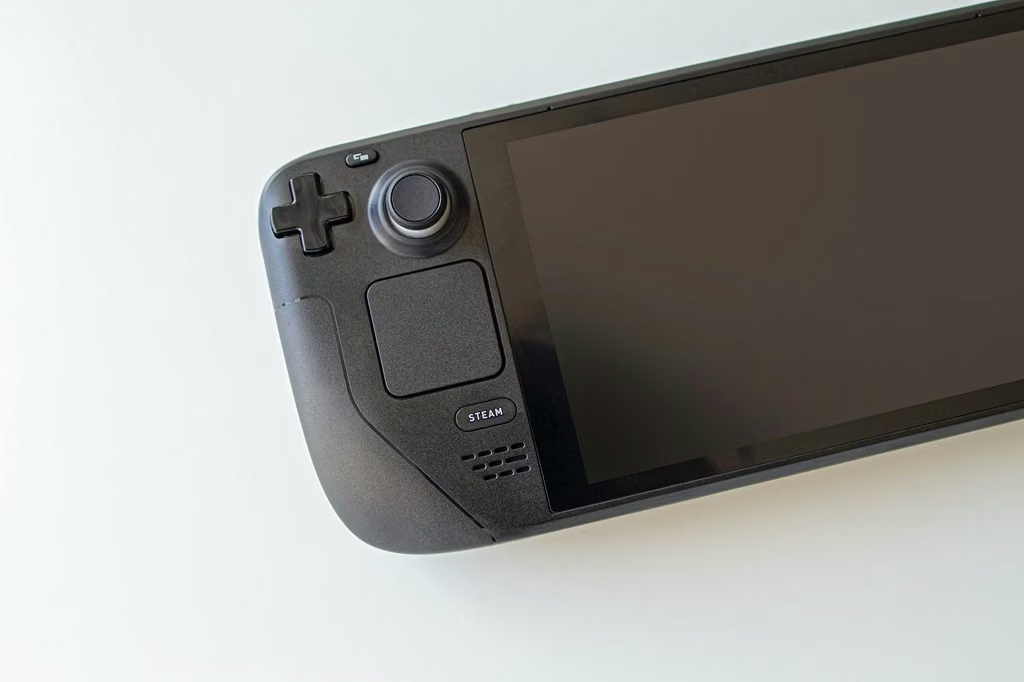
Plenty of players do both. A handheld or console for daily play, plus a cloud subscription for the occasional game their hardware can’t run, is a sensible mix. If you’re weighing up a handheld for the native side, our Steam Deck OLED vs ROG Xbox Ally comparison covers which one fits which player.
FAQ
Do I need to buy games again for cloud gaming?
On GeForce NOW, no: it streams games you already own on stores such as Steam, as long as they're on its supported list. Xbox Cloud Gaming streams games from your Game Pass plan, and from November 2026 also eligible games you own, using purchased playtime.
Is Wi-Fi good enough for cloud gaming?
Often, if it's 5 GHz and you're close to the router. An Ethernet cable is more reliable, because Wi-Fi interference causes the brief spikes in delay that make a stream stutter. GeForce NOW's own guidance is to use a wired connection or 5 GHz Wi-Fi.
SOURCES
- PC Gamer: GeForce Now beats Stadia in our input latency testing
- PCWorld: GeForce Now Competitive mode latency (citing GameStar)
- Galaxus: Trying out GeForce Now with RTX 5080 performance
- Lon.TV: GeForce NOW with RTX 5080, 2025 review (tiers)
- GeForce NOW Alliance (bro.game): connection recommendations
- NVIDIA: GeForce NOW system requirements
- Geekchamp: Internet and router settings for cloud gaming (PlayStation bandwidth figures)
- Games Market: Cloud gaming with NVIDIA GeForce NOW (data use)
- 9to5Google: GeForce Now's 100-hour monthly limit
- Outlook Respawn: Nvidia's 100-hour monthly cap
- Tom's Guide: GeForce Now RTX 5080 upgrade and prices
- Game Informer: Xbox announces monthly hour limits to cloud gaming
- Windows Central: Hourly limits on Xbox Cloud Gaming
- Pureinfotech: Xbox Cloud Gaming monthly limits
- Beebom: GeForce Now launches in India